Your calm wedding

Wedding guest app: seating chart, running order and shared gallery

The wedding where
nobody asks where to sit,
and you enjoy your day.

calm.wedding is a wedding guest app where every guest checks their seat, the running order and the shared gallery — after scanning one QR code. Nothing to install, no guest accounts, and fewer questions interrupting your day.

Build the complete guest app free and see it before publication. You pay only when you send the link to your guests.

Freeto build and preview
0installs or guest accounts
60 days–5 yearsto keep photos and the page

It really works — try looking up Zofia Kowalska.Open the demo in a new tab →

Proven at a real wedding — 80 guests, nobody asking where to sit

The place cards stay. The queue at the board goes.

calm.wedding does not replace your printed chart or your place cards. It takes on what paper cannot: a last-minute seating change, questions about times and addresses, and the photographs your guests are taking anyway.

What stays on paper

Place cards at each setting — they are part of the table, not an information system.

The framed seating chart by the door, if you like it. It photographs beautifully.

Invitations and menus. A screen will not replace those and does not try.

The QR table cards — you print those too, on ordinary A4.
What the app takes on

The change made in the final week — a guest sees the current version next time they open the link.

Questions about dinner, the hotel and the taxi number, which otherwise come to you.

Guests from abroad, reading the same page in their own language.

The photographs your guests take all evening.

And if you would rather keep printing to a minimum, one card with the code by the door is enough. It works that way too — but you do not have to.

More on the seating itself: how to build a seating chart step by step and how to print a QR code that still scans by candlelight.

Seating chart, running order and map — on every guest’s phone

Interactive floor plan

Horseshoe top table, round tables — guests see exactly where to sit and who is next to them.

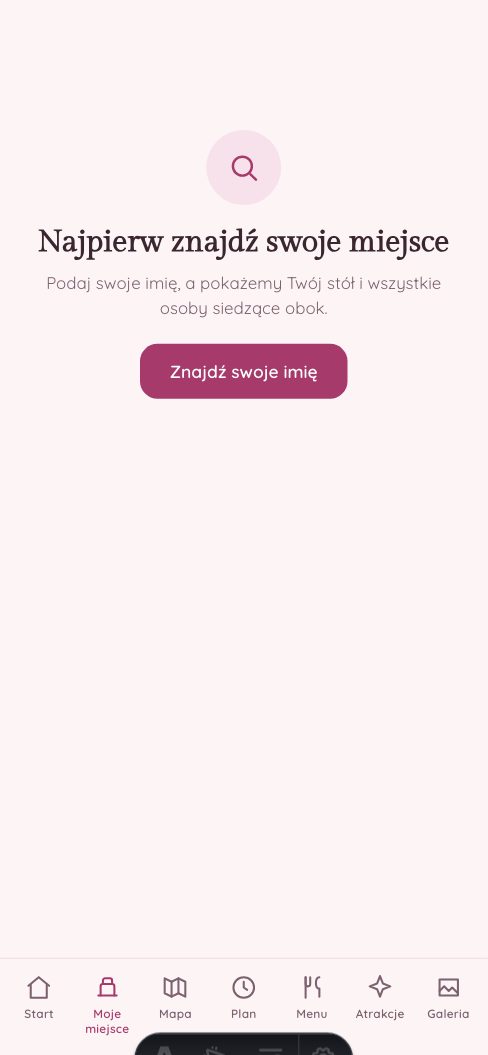
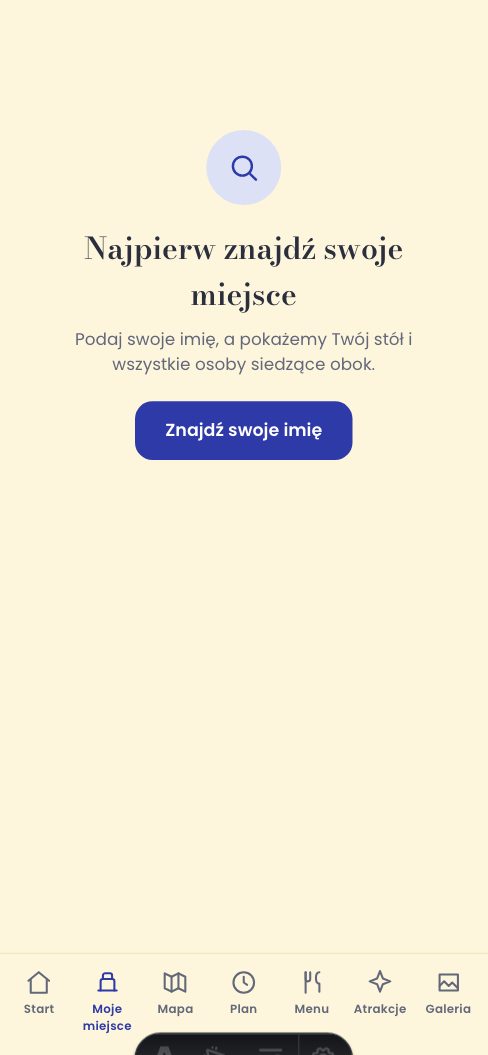
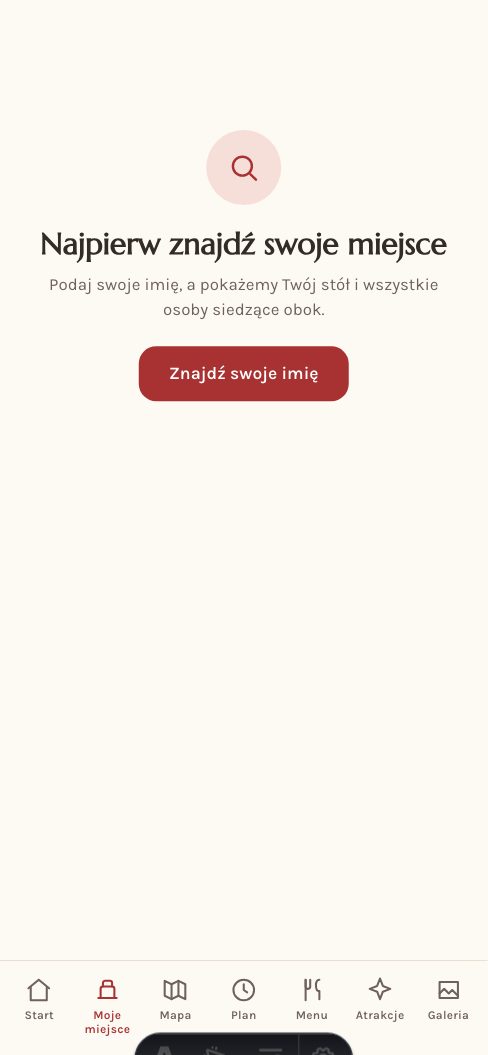
Find your seat

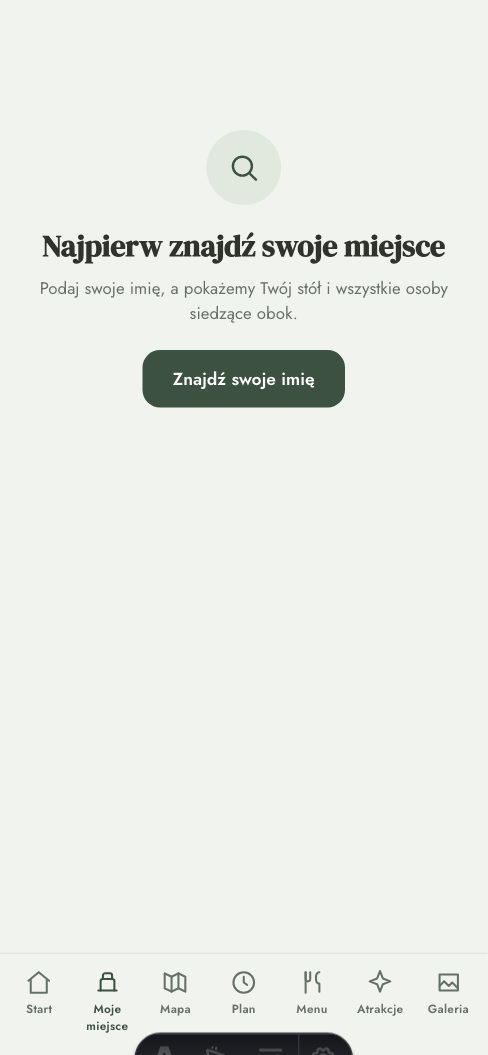
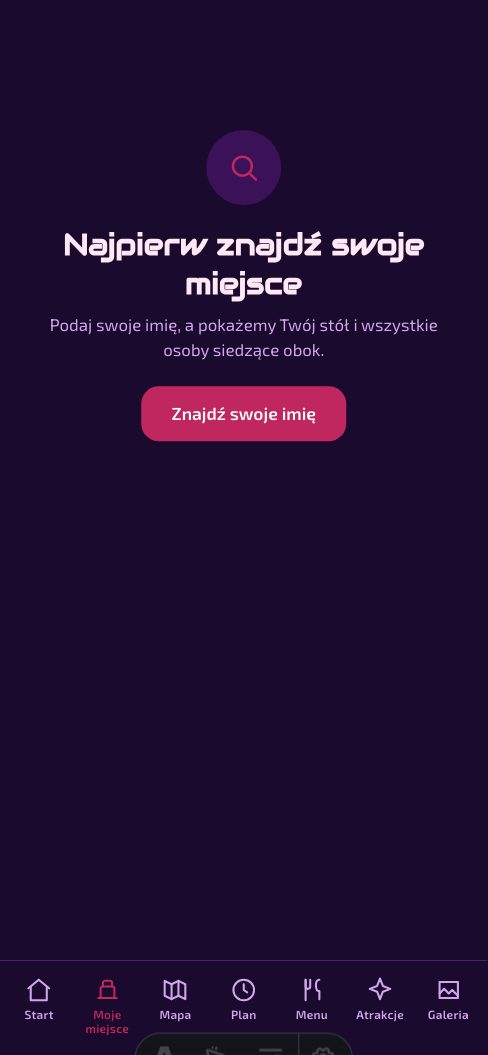
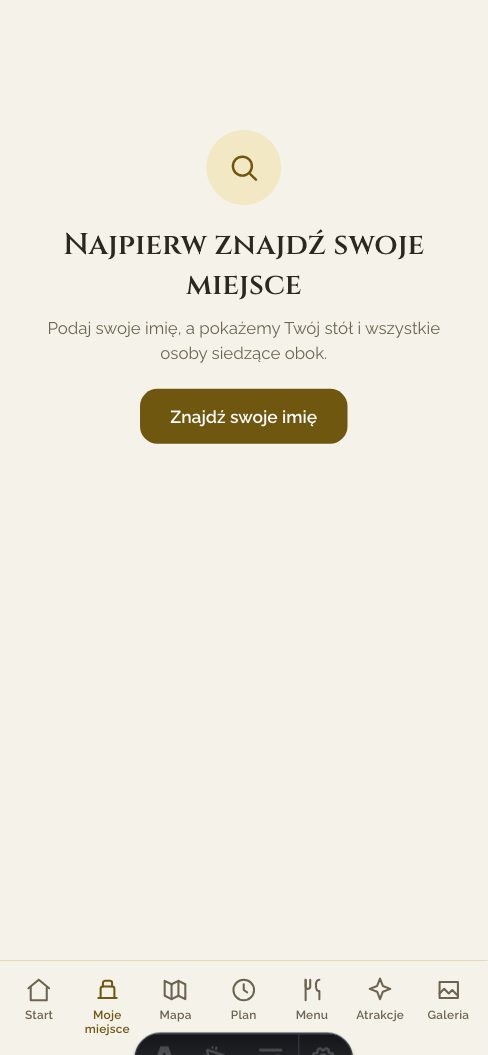
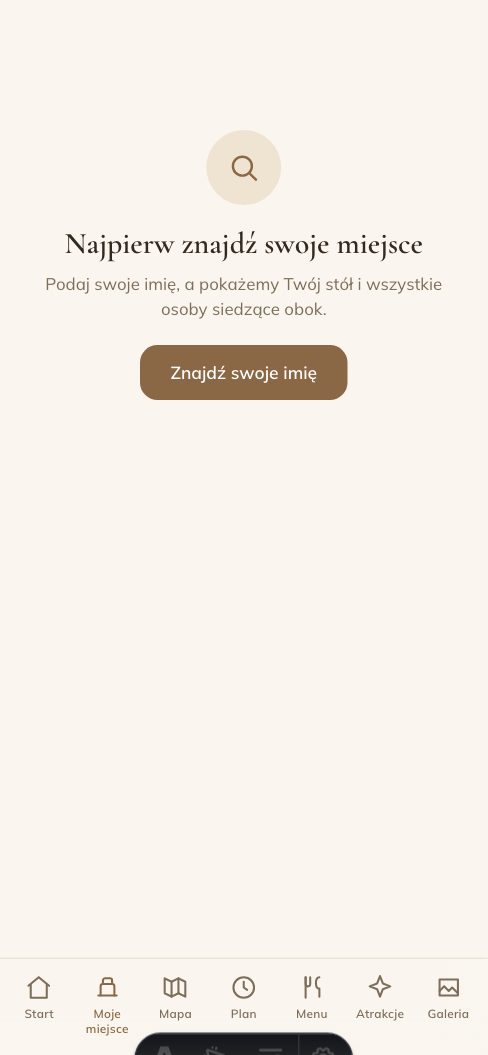
A guest picks their name from the list and the whole app personalises around them — no login.

Running order

Ceremony, dinner, first dance, cake — guests can check what is coming next at any time.

Site map

The pavilion, car park, hotel and toilets — helping guests find their way around.

Menu and attractions

The dishes and the evening’s attractions, each on its own tab — switch either one on or off whenever you like.

Guest gallery

Guests add photos straight from their phones — each successful upload goes directly into the shared gallery.

Four languages for guests

Polish, English, German, Spanish — a guest’s phone picks the language itself, with no switch to find.

No tracking

No Google Analytics. No Facebook pixel.

Your wedding is nobody’s advertising material. Neither this site nor your wedding page carries a tracking tool, we sell no data, and there is no cookie consent banner — because there is nothing to ask about.

What exactly we store, and for how long →

No advertising pixels and no third-party analytics — here or on your guests’ screens.

We neither sell nor share your guests’ data with anyone.

Guests create no account. The seating app opens from the link; an optional shared password can protect only the gallery.

Guest names are deleted 60 days after the wedding, on every plan.

Two sides of the same app

How calm.wedding works

From QR code to your seat in seconds

Scan the QR code

One code at the entrance or on the invitation. The same link for every guest.

Pick your name

A guest selects their name from the list — the app knows who they are straight away.

See your seat

Your table, your neighbours, the running order and the site map, all personalised.

Share your photos

Straight from the phone, all evening — they land in the shared gallery the couple gets to see.

Upload what you already have — we will do the rest

Choose your address

Claim your own subdomain, e.g. anna-i-jan.calm.wedding — the one link your guests ever need.

Upload what you already have

Running order, menu, attractions, table plan and guest list — type them, paste raw text or upload a supported document or image. We read supported inputs automatically.

See it before you pay

Polish everything in a simple editor. You pay only when you want the QR code and the link for your guests.

your-names.calm.weddingAVAILABLE ✓
DOCrunning-order.docxread
XLSguest-list.xlsxread
JPGtable-plan.jpgread

You can correct anything by hand afterwards. We translate your custom interface captions only when you explicitly ask us to.

See your seating chart on a phone before you pay

Upload your guest list and room layout. calm.wedding prepares a version you can refine and check exactly as your guests will see it.

Build your seating chart freeFree to start. You pay only at publication, when everything is ready to send to your guests.

Your look

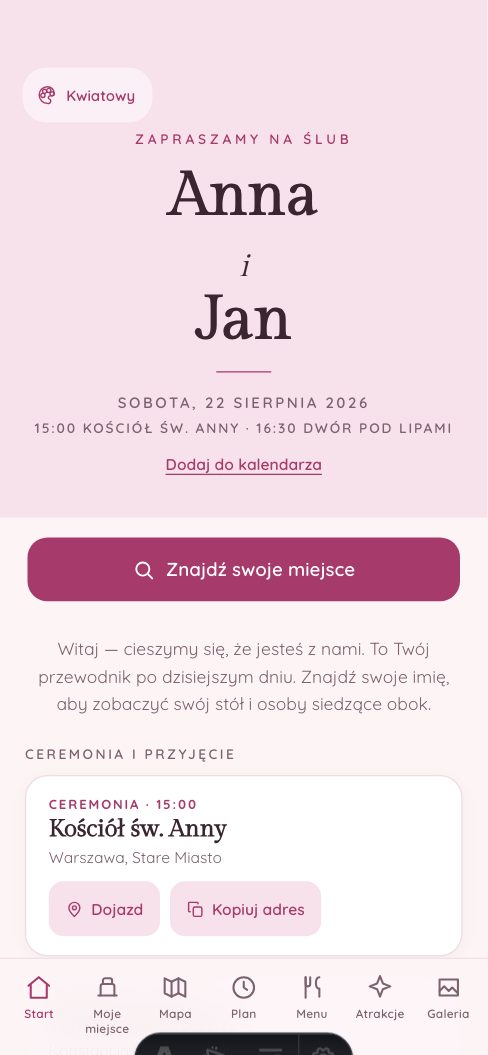
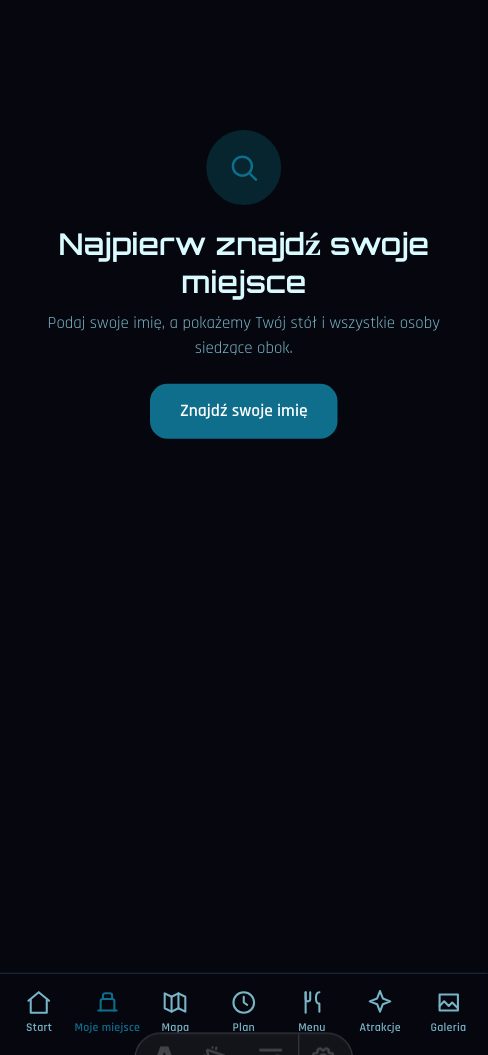
Ten ready-made themes, or your own colours

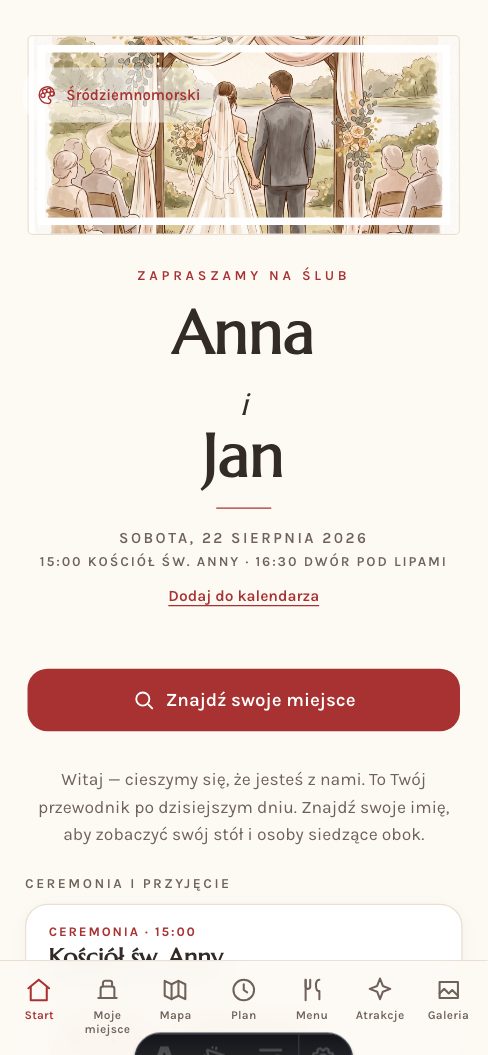
You pick the theme once, in the dashboard. Guests switch nothing — they open your wedding in the colours you chose. All ten clear WCAG AA contrast, and if none of them fits, each of the fifteen colours can be changed on its own.

01 / 10

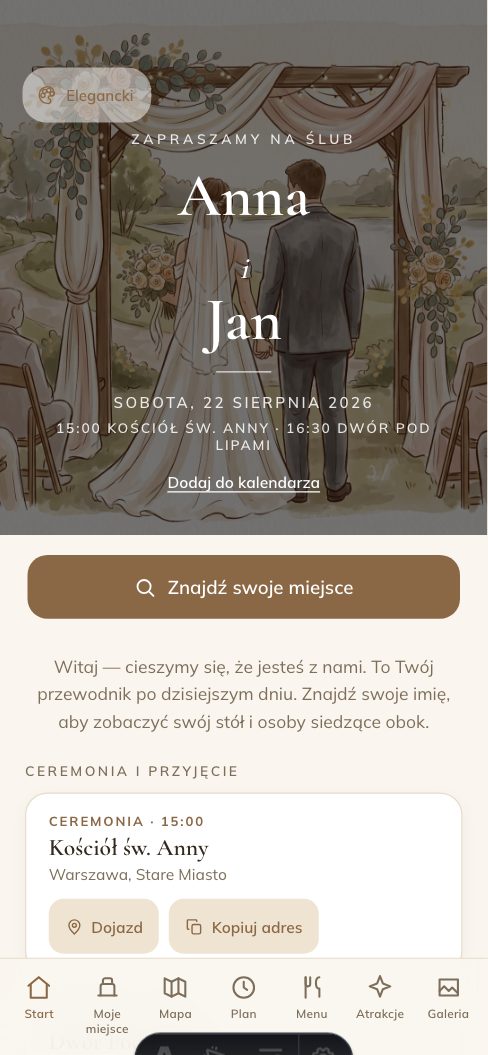
Elegant

Serif classicism on warm ivory. The default — at home in a hall, a manor or a barn.

TypefacesCormorant Garamond + Mulish

Open the demo in this theme →
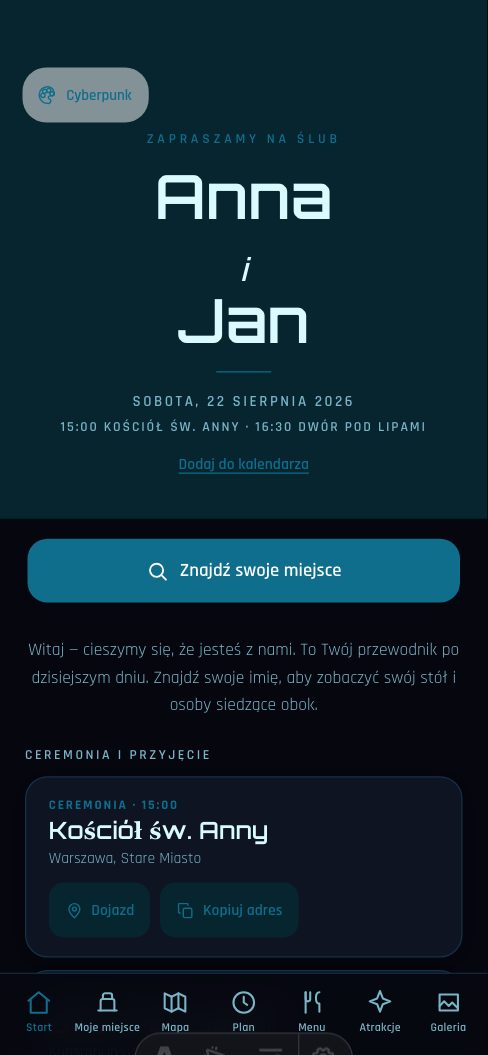
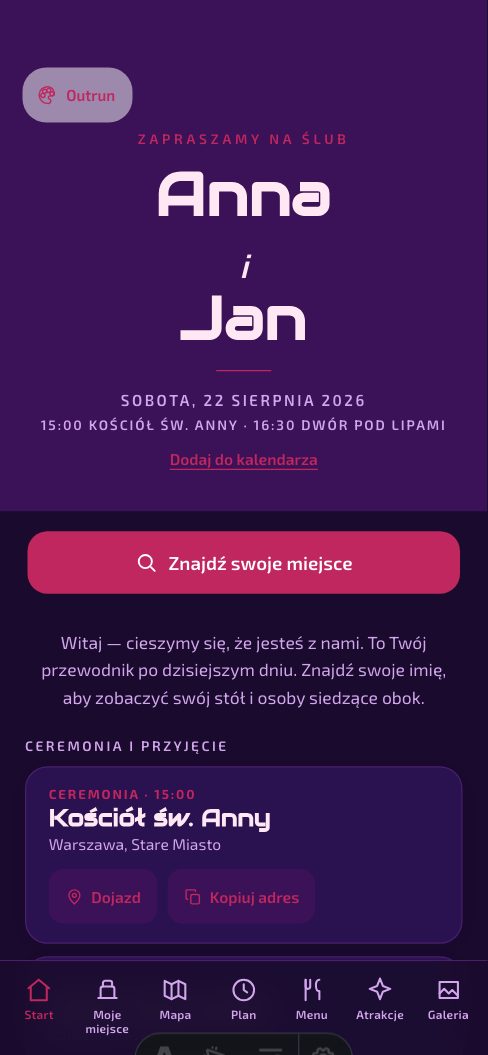
Elegant — The guest app — live demo, the wedding of Anna and Jan

02 / 10

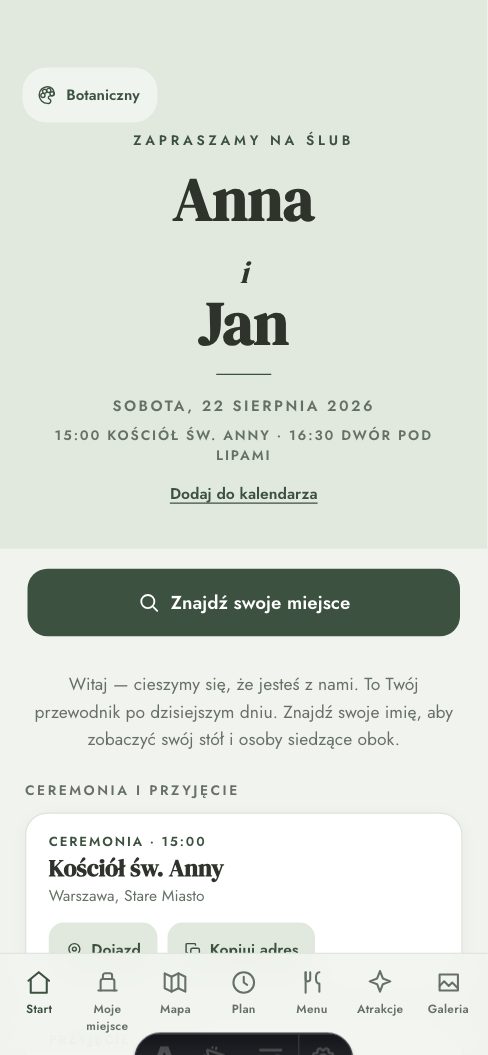
Botanical

Garden green and linen. For an outdoor wedding, where the hall is only there in case it rains.

TypefacesDM Serif Display + Jost

Open the demo in this theme →
Botanical — The guest app — live demo, the wedding of Anna and Jan

03 / 10

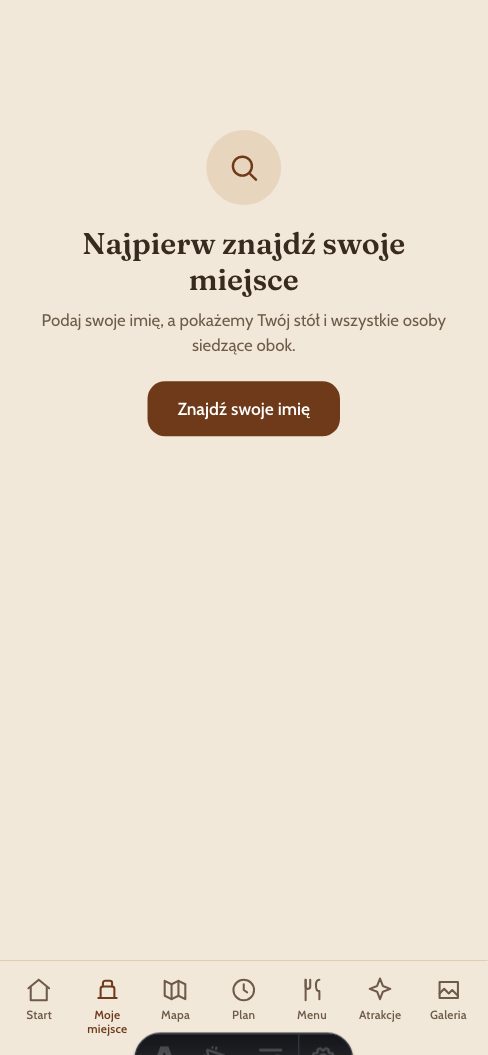
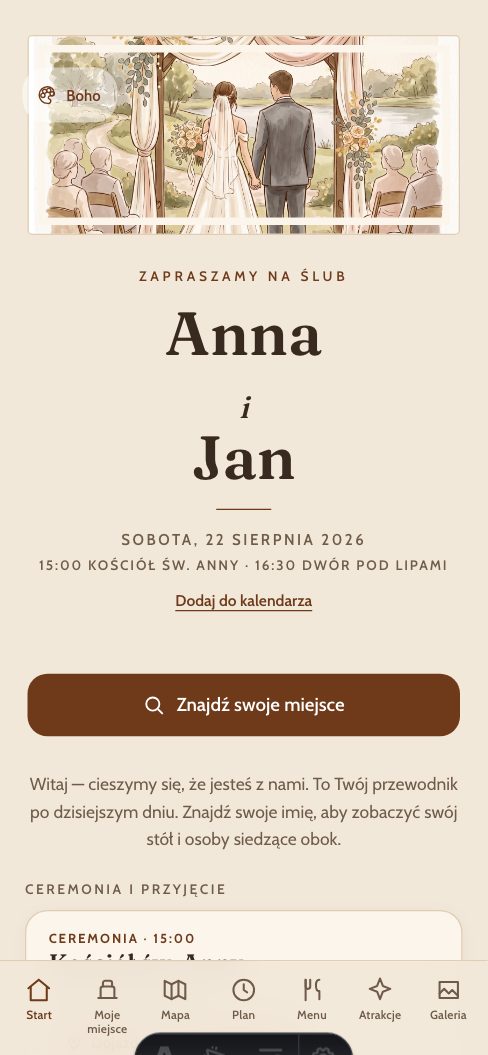
Boho

Oat, clay and walnut. Paper-coloured cards rather than white — for a barn, blankets and dried flowers.

TypefacesFraunces + Cabin

Open the demo in this theme →
Boho — The guest app — live demo, the wedding of Anna and Jan

07 / 10

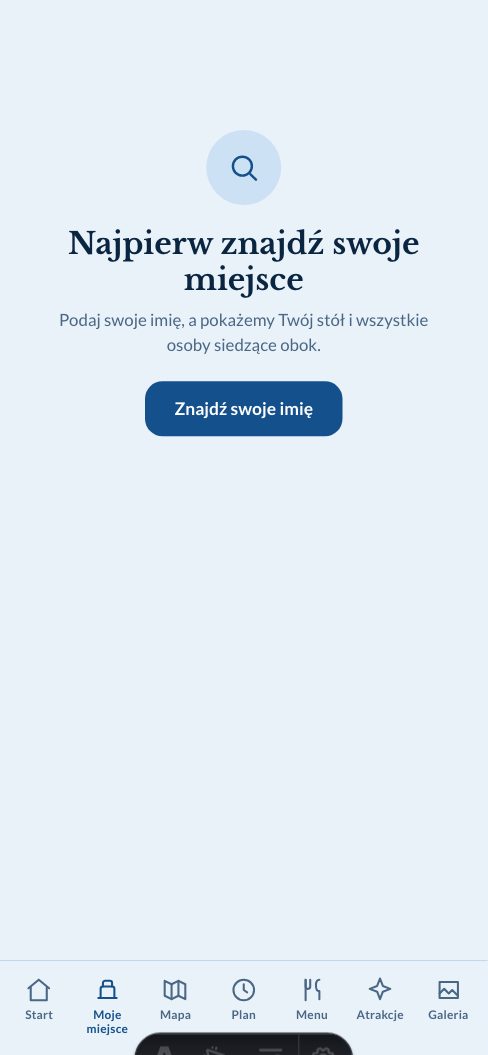
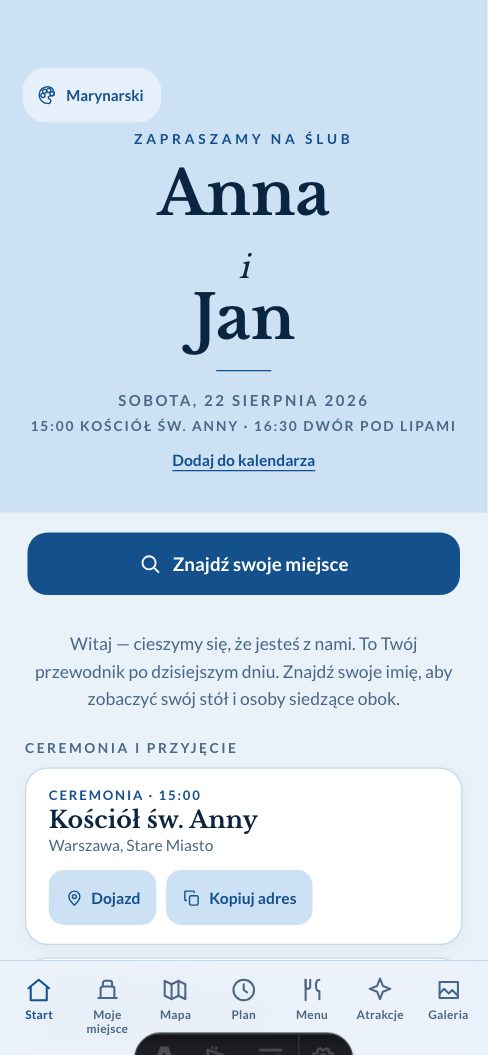
Nautical

Navy and cold white. A harbour, not a garden — for a wedding by the water.

TypefacesLibre Baskerville + Lato

Open the demo in this theme →
Nautical — The guest app — live demo, the wedding of Anna and Jan

08 / 10

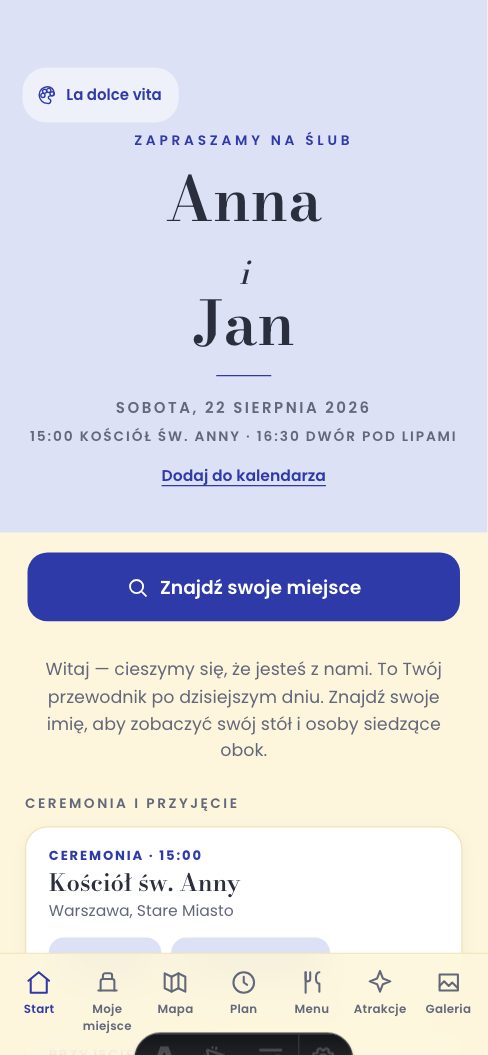
La dolce vita

Cobalt painted on lemon, like Amalfi majolica. For a wedding meant to be loud and sunlit.

TypefacesBodoni Moda + Poppins

Open the demo in this theme →
La dolce vita — The guest app — live demo, the wedding of Anna and Jan

10 / 10

Gold & pearl

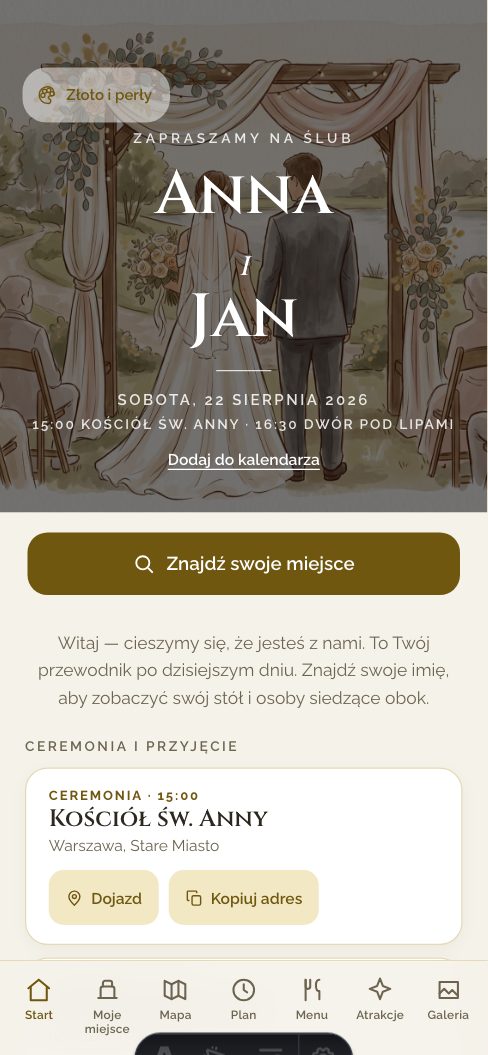
Pearl beige and gilt hairlines. Not one gold button — gold where foil actually sits on stationery.

TypefacesCinzel + Raleway

Open the demo in this theme →
Gold & pearl — The guest app — live demo, the wedding of Anna and Jan

Ready to use

You are not starting from a blank page

The price includes a working guest app, tools that turn supported source material into editable data, and print-ready pieces.

Bring your existing material

Supported lists, documents and images become editable data, with a manual correction step always available.

Four languages

The stock interface works in Polish, English, German and Spanish. We translate your custom captions only when you ask.

A print kit

Running order, menu, table lists and QR cards all come from the same current data as the app.

One payment per wedding. No subscriptions.

Three plans. No guest limit on any of them.

Miejsca

When the photographer has the photos covered

199 zł/ one wedding

Seat search, floor plan and running order

Gallery open for 48 hours, up to 5 GB

Photos and the page available for 60 days after the wedding

QR table cards to print

Build it free, pay at publication

Most couples pick this

Wesele

The best fit for most couples

499 zł/ one wedding

Everything in Miejsca, with no guest limit

Gallery open for 30 days — photos and video, around 6,000 photos

Photos, videos and the page available for 12 months after the wedding

Photo challenges and eight table-card designs to choose from

Budget, checklist and a prep timetable — tools just for you

Build it free, pay at publication

Pamiątka

Keep the gallery for anniversaries to come

999 zł/ one wedding

Everything in Wesele

Photos and the page available for 5 years

We remind you two weeks before the end, with a link to download it all

A setup call, if you would like a hand getting started

Build it free, pay at publication

From 199 zł for one wedding — no subscription and no charge for additional guests. · See how they differ

For the organisers

Plan the whole wedding, not just the day

From the Wesele plan up, in the organiser panel, from the moment you publish. You can publish early and leave the page switched off for guests — the terms count from the wedding day either way, not from publication. You're the only one who sees them; no guest ever will.

Budget

Planned and actual amounts by category, with a running total and what's left to spend.

Checklist

Seeded with the usual steps and how many months ahead each one sits — add your own or tick off what's done.

Prep timetable

Hair, makeup, the ride over — your own morning-of schedule, separate from the guest-facing running order.

Common questions

Does the digital seating chart or gallery require an app installation?

No. calm.wedding is a web app that opens like any other page after scanning the QR code. Nothing to install and no guest accounts; the couple may optionally protect only the gallery with one shared password.

Will older guests manage the QR code and seating chart on a phone?

The web app opens like an ordinary page and starts with one large search box. Printed place cards and a seating chart work exactly as they always have — calm.wedding is an addition, not a replacement.

How much does the wedding guest app cost, and are there hidden fees?

Plans start at 199 zł for one wedding. You pay once at publication, with no subscription or charge for additional guests. Plans differ by gallery capacity and retention period.

Can I change the wedding seating at the last minute?

Yes. Update the layout in your dashboard and guests see the current version the next time they open the page.

How do guests add photos to the shared gallery?

A guest scans the QR code or opens the link, taps “Add a photo” and chooses images from their phone. Successful uploads go into the shared gallery without an account or app installation.

What language will guests see?

Polish, English, German or Spanish — the language follows the guest’s phone settings automatically. You can also rewrite any of the wording in your own words.

What happens after the wedding?

We delete guest names after 60 days on every plan. Photos, videos and the page remain available for 60 days, 12 months or five years, depending on the plan you choose. We send a download reminder before that period ends.

Is the guest list safe?

The full guest list remains within Cloudflare’s infrastructure and is not sent to other guests’ browsers. You can hide surnames by showing only a first name, or a first name and an initial — search then matches only the text visible on screen. The details are on our Privacy page.

Can we download all the photos at once?

Yes. Download every photo and video directly from your dashboard in the browser. For a larger gallery, you can also download the file-address list and open it in a download manager.

What does the printed QR code look like?

You print the table cards straight from the panel on ordinary A4. The QR code is vector, so it prints sharply at your printer’s resolution rather than the file’s — no soft edges of the kind that stop a phone scanning it in poor light.

https://anna-i-jan.calm.wedding/en/

A calmer wedding starts
with one link.

Choose a name, upload your files and see the result on your phone. Build everything free, then pay only when you publish.

Free to build · from 199 zł at publication · no subscription · no guest limit